
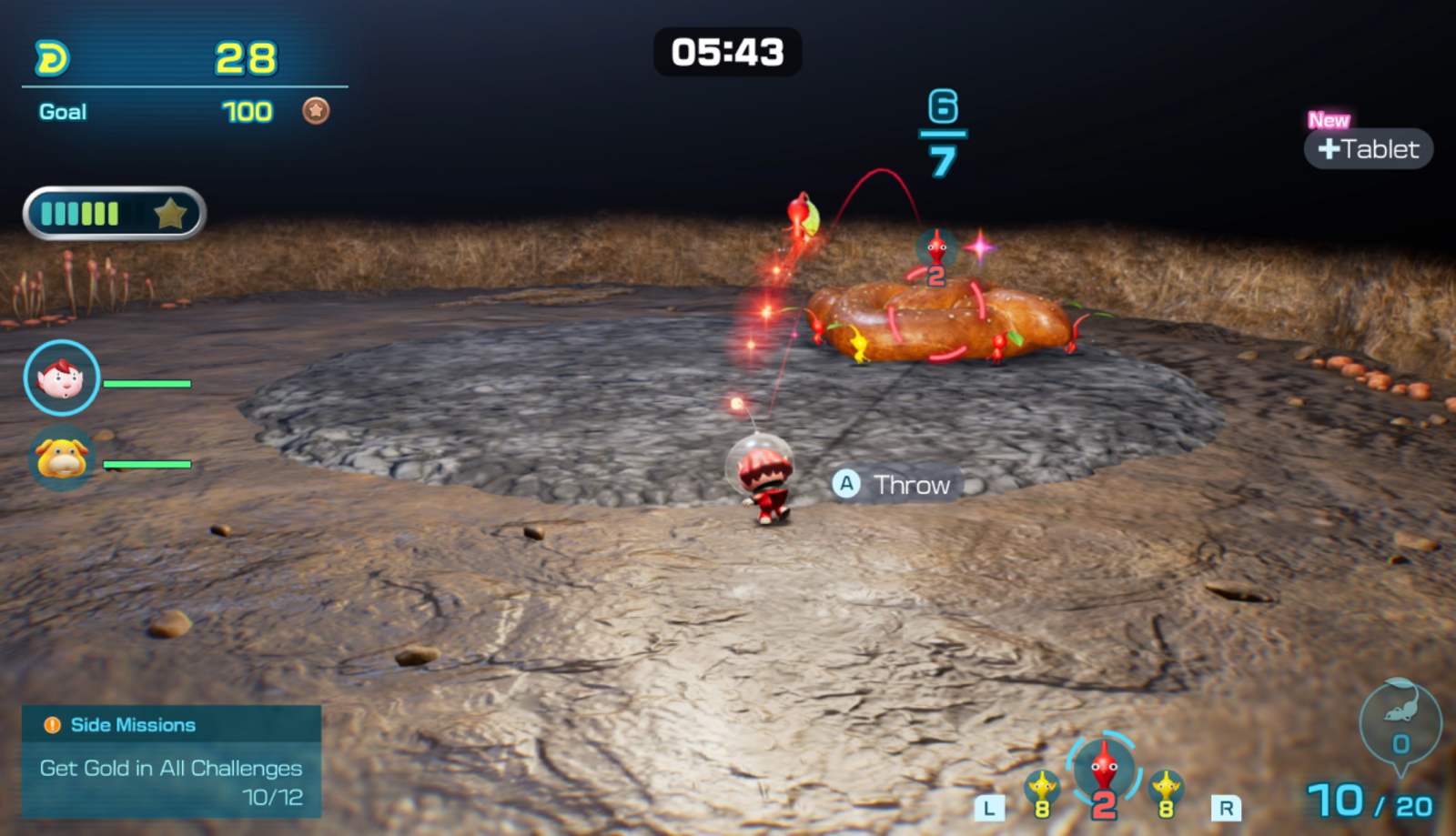
With the release of version 1.1.0, diving back into Pikmin 4 new game plus has become one of the most talked-up features among fans eager for a fresh challenge. If you are trying to figure out how Pikmin 4 new game plus works without losing your hard-earned progress, you are definitely not alone.
Understanding the New Game Plus "Roll Over" Mechanic
For over two years following its initial launch, Nintendo's charming strategy adventure left players wishing for a way to replay the journey with their fully upgraded gear intact. The version 1.1.0 patch finally answers those prayers by introducing the "Roll Over" feature. This mechanic lets veterans jump back into exploration with select save data carried over from a cleared file.
However, many players have reported initial confusion regarding where this option hides. According to community reports, navigating the menus can feel counterintuitive because the prompt does not appear where you might normally expect it.
| Feature | Description | Availability | | :--- | :--- | :--- | | Roll Over | Carry over cleared save data to a new playthrough | Version 1.1.0+ | | Creature Activity Levels | Adjust enemy difficulty (Relaxed, Normal, Fierce) | Settings Menu (- Button) | | Field Camera | Photo mode unlocked on Day 2 morning | Rescue Command Post |
Step-by-Step: How to Start Pikmin 4 New Game Plus
If you want to experience Pikmin 4 new game plus using your old upgrades and save state, you must follow a specific sequence. Traditional menu options will not show a direct "New Game Plus" button on your existing cleared file slots.
Instead, community experiences highlight that you need to initiate a completely fresh file and let the game prompt you at the correct milestone. You can check out more details on the patch via Nintendo Wire's coverage of the Pikmin 4 update.
| Step | Action Required | Details | | :--- | :--- | :--- | | 1 | Select File | Choose an empty slot in the Rescue Database. | | 2 | Start New Game | Select the new game option and choose your preferred creature activity level. | | 3 | Reach the Prompt | Play through the initial setup until the game asks if you want to carry over data. | | 4 | Choose Source File | Select your old, cleared save file to roll over Oatchi’s Pup Drive and fused Onion state. |
New Difficulty Settings and Creature Activity Levels
Alongside the rollout of Pikmin 4 new game plus, the massive version 1.1.0 update introduces tailored combat adjustments. Players are no longer locked into a single baseline challenge level. Whether you want a leisurely photo-taking session or a brutal tactical gauntlet, the game now accommodates your preferred playstyle.
| Activity Level | Creature Behavior | Recommended For | | :--- | :--- | :--- | | Relaxed | Passive, easy to defeat, rarely attack unprovoked | Casual players & photography fans | | Normal | Standard original game balancing | Balanced playthroughs | | Fierce | Aggressive, high damage, fast reactions | Veterans seeking a true challenge |
Quality-of-Life Improvements in Version 1.1.0
Beyond the core Pikmin 4 new game plus mechanics, Nintendo packed the latest patch with several long-awaited quality-of-life adjustments. These updates streamline both exploration and photography.
| Addition | Functionality | How to Access | | :--- | :--- | :--- | | Field Camera | Unlocks photo mode with stamps and frames | Automatically added on Day 2 morning | | Decor Pikmin | Special variants for photo sharing | Take pictures of them after rescuing Dingo | | Pikmin Bloom Sync | Transfer discovered Decor Pikmin data | End-of-day menu linking Nintendo Account | | Intro Skip | Skip early tutorials on repeat playthroughs | Automatically available if Day 2 was reached |
Frequently Asked Questions
Can I access Pikmin 4 new game plus from an existing save file slot?
No. To initiate Pikmin 4 new game plus, you must select an empty slot in the Rescue Database and start a fresh file. The game will prompt you to pull data from your cleared file near the end of setup.
What carries over when I use the Roll Over feature?
When you roll over your data, elements such as Oatchi’s Pup Drive upgrades and your fused Onion state transfer over to give you a head start on your new run.
Can I change the creature activity level after starting?
Yes. You can modify the difficulty between Relaxed, Normal, and Fierce at any time by opening the Settings menu using the minus (-) button.
Do I need to replay the tutorial every time I start a new file?
If your save data has ever reached the morning of day 2, the game allows you to skip the introductory sequence and jump straight to exploration day 2.